
Kriya Payment Methods In Bangladesh
Updated
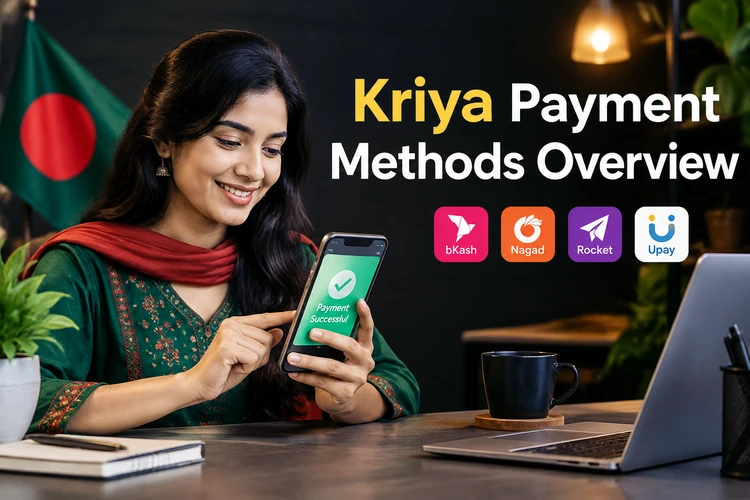
Players on kriya handle all transactions in BDT through mobile wallets used across Bangladesh. The platform does not charge fees for deposits or withdrawals. Your wallet must be registered under your legal name for payments to process successfully.
Kriya Payment Methods Overview
Kriya supports four mobile payment channels. Each method has different limits and processing speeds. Players can choose the wallet they already use for daily transactions.
Payment limits depend on the selected channel and account status. The cashier shows the active limit before you confirm a transaction.
| Method | Min Deposit | Max Deposit | Min Withdrawal | Max Withdrawal | Processing Time | Fee |
|---|---|---|---|---|---|---|
| bKash | ৳300 | ৳100,000 | ৳500 | ৳30,000 | Instant / 15 min | 0% |
| Nagad | ৳300 | ৳80,000 | ৳500 | ৳25,000 | Instant / 20 min | 0% |
| Rocket | ৳500 | ৳75,000 | ৳500 | ৳20,000 | 5 min / 30 min | 0% |
| Upay | ৳300 | ৳70,000 | ৳500 | ৳20,000 | Instant / 25 min | 0% |
How To Deposit On Kriya
Funding your Kriya online account usually takes a few minutes. The process works with all listed mobile wallets. You do not need to download an additional payment app.
- Click the Deposit button in the cashier section.
- Enter the amount you want to transfer in BDT.
- Select your preferred mobile wallet from the list.
- Confirm the payment in your wallet app.
Before making your first deposit, you must verify your phone number. This links your account with your payment details and helps prevent errors.
Kirik Kriya Withdrawal Guide
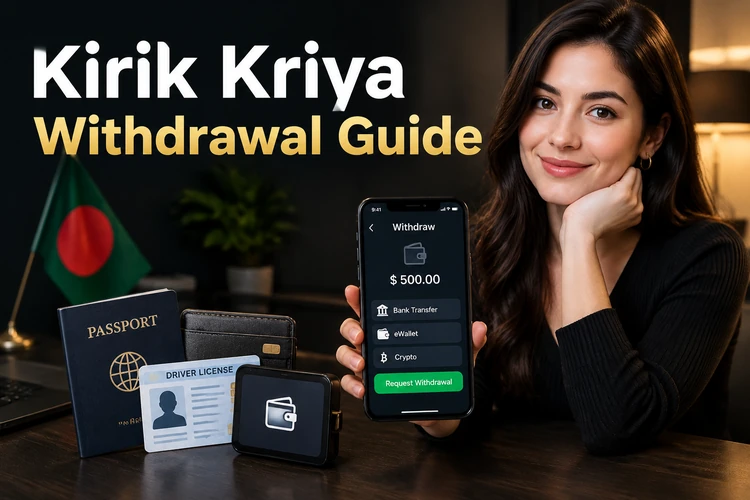
Withdrawals become available after identity verification and deposit wagering requirements are complete. The deposited amount must be played through at least once before you request a payout.
The request is submitted through the cashier. A separate withdrawal password adds another check before the transfer is released.
Step-By-Step Withdrawal
Open the cashier and complete each field carefully. Use the wallet registered to your Kriya profile.
- Open the cashier and click Withdraw.
- Enter your withdrawal password.
- Specify the amount in BDT.
- Confirm the transaction.
On a verified account, a withdrawal can take up to 30 minutes. First-time requests may take longer because of additional checks.
Kriya Withdrawal Limits
Withdrawals have fixed limits that apply even when your available balance is higher.
- The minimum single withdrawal is ৳500.
- The maximum daily withdrawal is ৳30,000.
- You can withdraw only in the currency used for your deposit.
Large balances may be paid across several days. The daily limit determines how much can be transferred at once.
bKash On Kriya
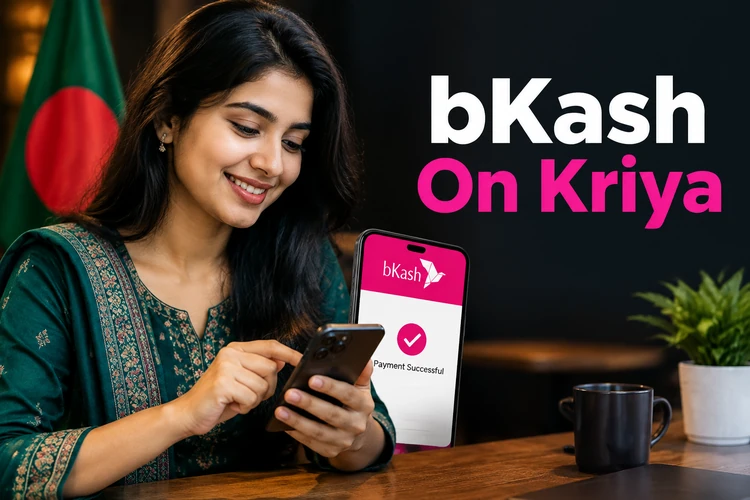
bKash is the most popular payment option for many Bangladesh users. It connects directly with the Kriya casino cashier and usually confirms deposits quickly.
Check the wallet balance and account name before confirming the payment. These details prevent most bKash errors.
- Deposits range from ৳300 to ৳100,000 per transaction.
- Withdrawals are usually credited within 10 to 15 minutes.
- Common errors include a name mismatch and insufficient wallet balance.
- Provide your registered bKash number in the payment form.
Your bKash number must be registered under your name. The system can reject payments from a wallet belonging to another person.
Nagad, Rocket And Upay At Kirik Kriya
Nagad, Rocket, and Upay provide alternatives when bKash is unavailable. Their limits and processing times differ, so check the cashier before choosing a channel.
- Nagad has an ৳80,000 maximum deposit and fast confirmation times.
- Rocket supports deposits and withdrawals with a ৳75,000 maximum deposit.
- Upay suits smaller transactions and modest playing budgets.
Not every method is available for withdrawals at all times. The cashier displays the active channels when you open it.
Why A Kriya Payment Can Fail

Payment failures usually come from account details, limits, or verification status. Checking these points first can save time.
The Kriya casino cashier normally shows an error message when a transaction cannot proceed.
- The wallet is registered under a different name.
- The amount falls outside the minimum or maximum limit.
- The deposit has not met the required wagering condition.
- Identity verification is incomplete or still under review.
- The daily withdrawal limit has already been reached.
Save the transaction ID before contacting support. This reference helps the team locate a missing or rejected payment.
Payment Security
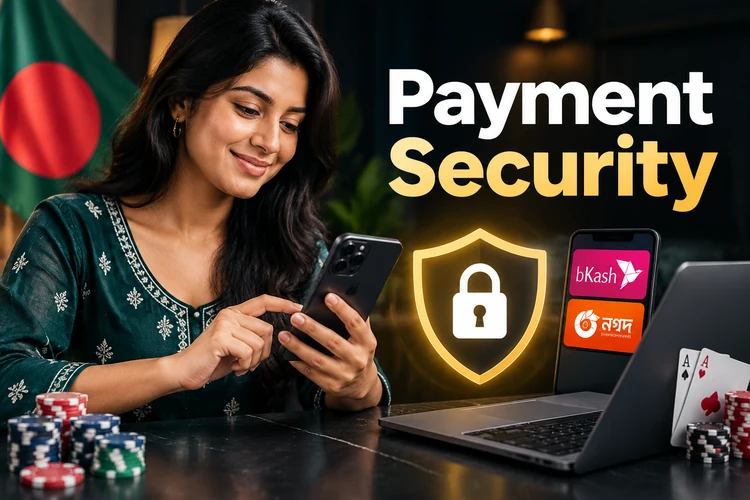
Kriya payments use several controls to protect account and wallet details. These checks apply during deposits and withdrawals.
Use the official cashier for every transaction. Do not follow payment instructions sent through unofficial personal numbers.
- 256-bit SSL encryption protects data between your device and the server.
- Withdrawals require a separate password set during registration.
- The system checks the wallet owner's name against your account details.
Never send money to a personal number if someone claiming to be a manager asks you. Official Kriya casino payments are completed through the cashier.
FAQ
No. Kriya does not charge fees for deposits or withdrawals. You pay the amount shown in the cashier.
A verified bKash withdrawal usually arrives within 10 to 15 minutes. First-time requests can take up to 30 minutes because of security checks.
No. You must withdraw through the payment method used for your deposit. The wallet must also be registered under your name.
Common reasons include a wallet name mismatch, an amount outside the limits, or a network delay. Check the transaction ID and contact support if the balance is not updated within 10 minutes.
The minimum withdrawal is ৳500 for one transaction.